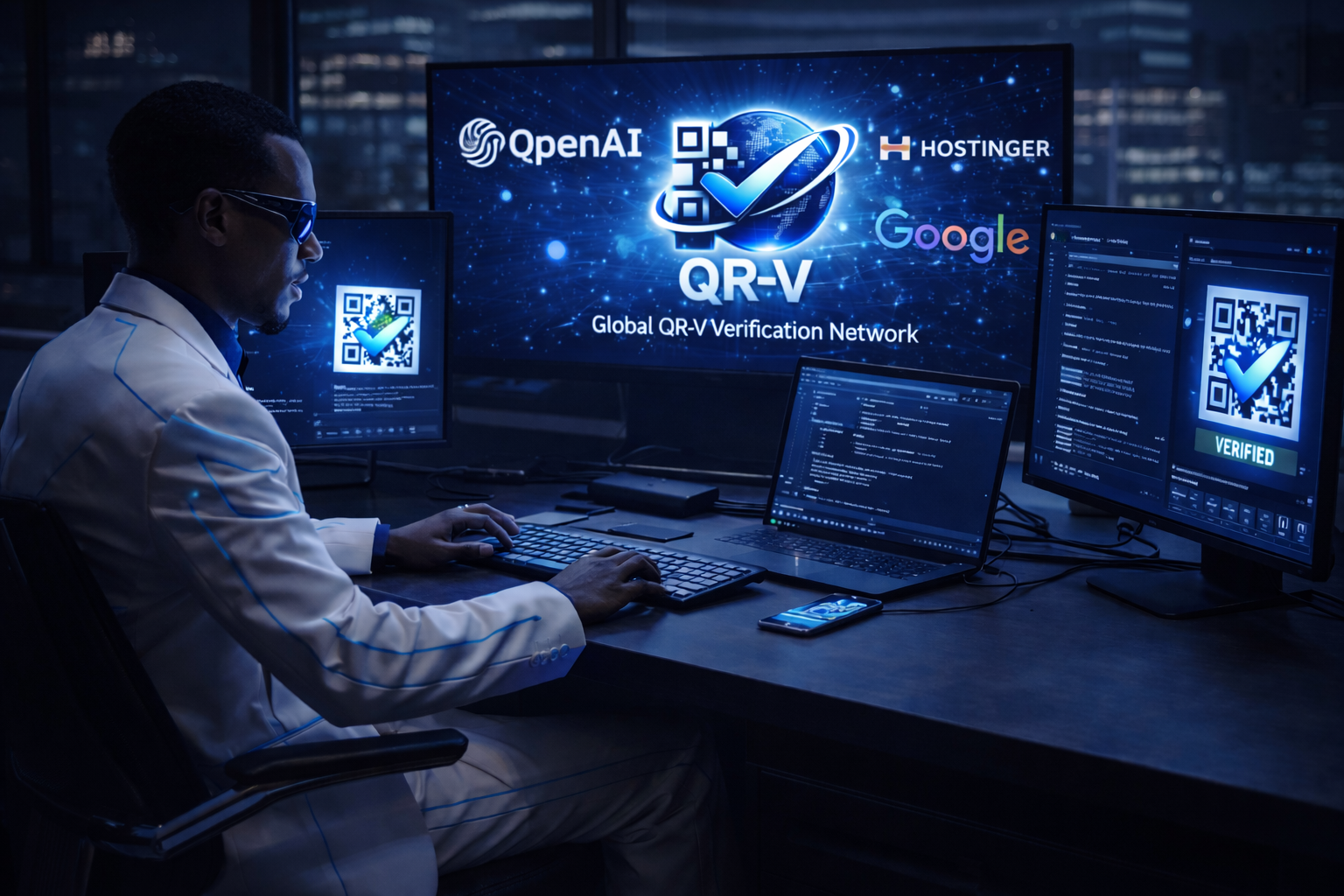
QR-V™ Global Verification Network
Root Domain: qrv.network
Owner: ONEGODIAN, LLC
Purpose:
Serve as the public verification infrastructure for QR-V™, separate from marketing sites like onegodian.org and quantumohi.com.
Recommended Domain Architecture
1. Public Verification
verify.qrv.network
Role:
The main scanner destination.
Example flow:
scan QR-V code
↓
verify.qrv.network/v/ID
↓
verification result
Displays:
- status (valid / invalid)
- issuer
- timestamp
- certificate details
- ODIN link
2. Global Registry
registry.qrv.network
Role:
Backend registry of verification records.
Stores:
- verification IDs
- certificate IDs
- anchors
- issuer metadata
- revocation status
Connected to:
- OBP-1™
- ODIN Registry™
3. Registry Explorer
explorer.qrv.network
Role:
Public transparency interface.
Users can browse:
- certificates
- verification records
- issuers
- ODIN entries
Similar to a blockchain explorer.
4. Developer Documentation
docs.qrv.network
Role:
Protocol documentation.
Contains:
- QR-VP-1 specification
- API documentation
- SDKs
- verification examples
5. Developer Portal
developers.qrv.network
Role:
- API key generation
- usage analytics
- integration guides
6. Issuer Portal (Revenue Product)
issuer.qrv.network
Role:
Organizations create:
- certificates
- verification records
- QR-V codes
Features:
- certificate issuance
- revocation
- analytics
- API access
This is the primary SaaS monetization layer.
7. API Infrastructure
api.qrv.network
Role:
Machine endpoints for verification.
Examples:
GET /verify/{id}POST /certificatePOST /register
How QR-V Connects to Your Ecosystem
OBP-1™
QR-V verification links to:
anchors
certificates
ODIN Registry™
Each verification record may reference:
ODIN codes
Example:
ODIN-F0001
ODIN-L0030
ODIN-V0002
onegodian.org
Role:
- ecosystem explanations
- sales
- governance context
quantumohi.com
Role:
- technical research
- OHI architecture
Final Architecture
qrv.network
│
├── verify.qrv.network
├── registry.qrv.network
├── explorer.qrv.network
├── issuer.qrv.network
├── api.qrv.network
├── docs.qrv.network
└── developers.qrv.network
Immediate Next Steps (Critical)
1️⃣ Point verify.qrv.network to a simple verification landing page.
2️⃣ Launch issuer.qrv.network pricing page.
3️⃣ Publish QR-V protocol overview on docs.qrv.network.
4️⃣ Create a demo certificate and QR-V code.
5️⃣ Show real scan → verification flow.
There are no comments