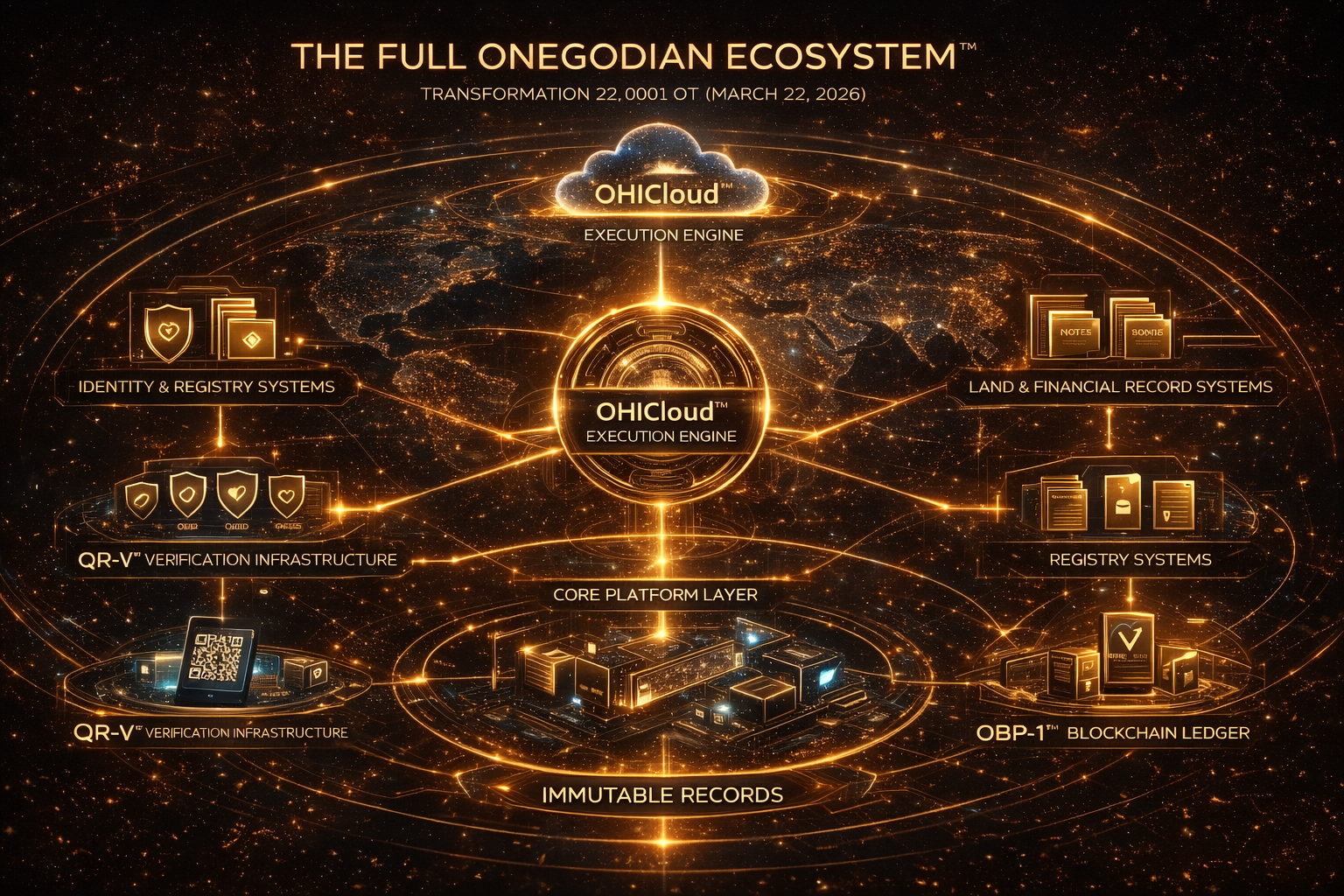


QR-V verification architecture
To make your QR-V verification architecture look like a serious engineering project on GitHub (the way teams at companies like Stripe or Cloudflare present infrastructure work), you need to package it as a well-structured open engineering repository, not just an idea or description.
The difference between a concept and a professional engineering project is documentation, code structure, and runnable examples.
Below is the process.
1. Create a Professional GitHub Repository
Repository name should be clear and technical.
Examples:
qr-v-verification-network
or
qrv-protocol
Avoid branding-heavy names. Engineering repos usually use descriptive technical naming.
2. Repository Structure (Very Important)
Senior engineering projects always have clear structure.
Example:
qr-v-verification-network
│
├── README.md
├── LICENSE
├── CONTRIBUTING.md
├── ARCHITECTURE.md
├── PROTOCOL.md
├── SECURITY.md
│
├── docs/
│   ├── verification-flow.md
│   ├── registry-model.md
│   └── resolver-design.md
│
├── api/
│   ├── verification-api.md
│   └── openapi.yaml
│
├── services/
│   ├── resolver-service/
│   ├── registry-service/
│   └── verification-service/
│
├── examples/
│   ├── sample-verification-request.json
│   └── sample-registry-record.json
│
└── diagrams/
    ├── network-architecture.png
    └── verification-flow.png
This structure immediately signals engineering maturity.
3. Write a Strong README
The README should explain the system clearly.
Example structure:
QR-V Verification Network
A distributed verification architecture that resolves QR-encoded identifiers into registry-anchored records verified through cryptographic signatures.
Key Components
- QR identifier layer
- registry infrastructure
- verification nodes
- resolver services
- cryptographic validation
Verification Flow
Scan → Resolver → Registry Lookup → Signature Validation → Verification Response
Use Cases
- identity credentials
- certificates
- supply chain authentication
- asset verification
4. Add Architecture Documentation
Create an ARCHITECTURE.md file.
Explain:
- system components
- verification flow
- registry model
- node architecture
Example sections:
System Overview
Registry Infrastructure
Resolver Service
Verification Nodes
Security Model
Senior engineers expect clear system documentation.
5. Provide Example Data
Professional infrastructure projects include example payloads.
Example:
{
  "qr_identifier": "QRV-12345678",
  "issuer": "Example Registry",
  "record_hash": "sha256:2f3d4a...",
  "timestamp": "2026-03-10T12:30:00Z",
  "signature": "ed25519:abc123..."
}
This shows how the system works in practice.
6. Include an API Specification
Create a simple API specification.
Example endpoint:
POST /verify

{
  "identifier": "QRV-12345678"
}
Response:
{
  "status": "valid",
  "issuer": "Example Registry",
  "timestamp": "2026-03-10T12:30:00Z"
}
Use OpenAPI if possible.
7. Add System Diagrams
Professional engineering repos include architecture diagrams.
Important diagrams:
- Verification workflow
- Distributed node architecture
- Registry data flow
Diagram example:
Client
  ↓
Resolver
  ↓
Registry Database
  ↓
Signature Validation
  ↓
Verification Response
Visual architecture diagrams add credibility.
8. Include a Minimal Working Prototype
Even a small prototype increases credibility.
Example service:
/resolver-service
Basic Node.js verification endpoint.
Example:
npm install
npm start
Endpoint:
localhost:3000/verify
Employers love seeing working code.
9. Add a Security Model
Create SECURITY.md.
Describe protections against:
- QR cloning
- registry spoofing
- replay attacks
- signature forgery
Security documentation signals serious engineering thinking.
10. Add a License
Professional repos always include licenses.
Common choice:
Apache 2.0
or
MIT License
What Makes It Look Like a Senior Engineer’s Project
Recruiters and engineers look for:
✔ architecture documentation
✔ structured repository
✔ API specification
✔ working prototype
✔ diagrams
✔ example payloads
When those are present, the project appears serious and credible.
Example Result
Your GitHub profile could show:
github.com/gregoryjones

Repositories

qr-v-verification-network
distributed-registry-infrastructure
verification-node-service
That immediately looks like infrastructure engineering work.
One More Important Step
You should link the repository from:
gregory.onegodian.org
Example section:
Open Source Work

QR-V Verification Network
github.com/username/qr-v-verification-network
This connects your portfolio + engineering work.
If you’d like, I can also show you:
the exact GitHub repo layout that gets senior engineers hired at infrastructure companies (Stripe, Cloudflare, Datadog).
That structure dramatically improves credibility with technical recruiters.
There are no comments